Are you a busy gamer wondering if you can play your favorite football game, Madden, through Xbox Cloud Gaming? You are not alone. Many gamers today are looking for flexible ways to enjoy titles like Madden without being tied to a console or a high-end PC. This comprehensive guide will navigate the ins and outs of playing Madden on Xbox Cloud Gaming, offering practical advice and solutions for common challenges. We will cover everything from compatibility and setup to optimizing your experience for the best performance. Learn how to get started, what to expect regarding latency and graphics, and whether your current setup is ready for cloud football action. Discover tips to enhance your gameplay, troubleshoot potential issues, and make the most of this innovative service. Whether you are aiming for a quick match during your lunch break or a full season on the go, this article provides the essential information you need to tackle Madden on the cloud. Stay current with gaming trends and optimize your play sessions, ensuring you get the most value and fun from your gaming time. Get ready to experience Madden freedom like never before.
Related games- How to Download Free Steam Games: A Gamer's 2026 Guide
- How To Get Beam Core Knife Roblox Guide & Tips
- Guide to Playing Madden on Xbox Cloud Gaming
- Roblox Password Forgotten Easy Guide to Account Access
Can I play Madden on Xbox Cloud Gaming?
Yes, you can absolutely play Madden on Xbox Cloud Gaming, provided that a Madden NFL title is currently available within the Xbox Game Pass Ultimate library. Xbox Cloud Gaming is a premium feature included with Game Pass Ultimate, allowing subscribers to stream a rotating selection of games directly to compatible devices like phones, tablets, PCs, and smart TVs without needing a console. These titles often join the Game Pass library several months after their initial retail release. You simply need an active subscription and a strong internet connection.
What Madden games are available on Xbox Cloud Gaming?
The specific Madden games available on Xbox Cloud Gaming can change as the Xbox Game Pass library rotates. Typically, previous Madden NFL titles eventually make their way onto Game Pass Ultimate. For example, Madden NFL 23 was available on Game Pass for a period, and it's expected that newer installments like Madden NFL 24 will follow suit after a certain release window. To find out which Madden title is currently playable, you should check the official Xbox Game Pass app or website's cloud gaming section, as the catalog is updated regularly.
What kind of internet connection do I need for Madden Cloud Gaming?
For a smooth and enjoyable Madden experience on Xbox Cloud Gaming, a stable and fast internet connection is crucial. Microsoft recommends a minimum download speed of 20 Mbps, but for a fast-paced sports game where reaction time is everything, a speed of 50 Mbps or higher is ideal. More importantly, aim for a low-latency connection. Using a 5GHz Wi-Fi network instead of 2.4GHz, or a wired Ethernet connection for PC/TV, can significantly reduce input lag and improve overall responsiveness, making your passes and tackles feel snappier.
Will Madden on Xbox Cloud Gaming have noticeable input lag?
Input lag is a common concern with cloud gaming, especially for competitive titles like Madden. While cloud gaming technology has advanced significantly, some degree of input latency is inherent due to the data traveling to and from Microsoft's data centers. For casual play or single-player modes, this lag might be negligible for many users with excellent internet connections in geographically favorable locations. However, for highly competitive online Madden matches, even a slight delay can impact performance. Optimizing your internet connection and being close to a Microsoft Azure region can help minimize this, but it's important to set realistic expectations.
Can I play Madden Ultimate Team via Xbox Cloud Gaming?
Yes, if a Madden NFL title available on Xbox Cloud Gaming includes the Ultimate Team mode, you can absolutely access and play Ultimate Team just as you would on a console. All game modes, including Ultimate Team, Franchise, and online multiplayer, are typically fully functional when streaming via Xbox Cloud Gaming. Your Ultimate Team progress, coins, and players are linked to your Xbox profile, so they will be accessible whether you play on a console or stream through the cloud, offering seamless continuity for your squad.
What are the best devices to play Madden on Xbox Cloud Gaming?
The 'best' device largely depends on your personal preference and situation. For portability and quick sessions, an Android phone or tablet paired with a Bluetooth controller (perhaps with a clip) is excellent. For a more traditional, larger screen experience, a Windows PC or an Xbox Smart TV provides a console-like feel. iPhones/iPads work well via browser. The key is to choose a device with a good screen, stable Wi-Fi connectivity, and a comfortable way to use a compatible controller. Devices with modern processors and ample RAM can also contribute to a smoother overall streaming experience.
How can I improve my Madden Cloud Gaming performance?
To boost your Madden cloud gaming performance, start by ensuring your internet connection is optimal. Use a 5GHz Wi-Fi band or, even better, a wired Ethernet connection. Close other bandwidth-intensive applications on your network and device. Play as close to your Wi-Fi router as possible. If using mobile data, ensure you have a strong 5G signal. Additionally, make sure your device's operating system and browser (if applicable) are up to date. Sometimes, simply restarting your router and device can clear minor network issues, leading to a noticeable improvement in streaming quality and responsiveness for your Madden gameplay.
For many gamers, the idea of kicking back with a few hours of their favorite title sounds fantastic, but reality often intervenes. Balancing jobs, family commitments, and life's daily grind means dedicated console time can be a luxury. You love your games, especially competitive ones like Madden, but finding that perfect window to sit down at the TV feels impossible. What if you could squeeze in a quick drive down the field during your commute, or play a season game on a tablet while the kids are occupied? This is where the promise of cloud gaming, particularly Xbox Cloud Gaming, steps in. It offers the flexibility many busy adults crave, turning previously impossible gaming scenarios into a reality. But when it comes to a fast-paced sports simulation like Madden, the big question looms: can you truly play Madden on Xbox Cloud Gaming without frustrating lag or a clunky experience? Let us dive deep into this topic, giving you the clear answers and actionable advice you need to conquer the gridiron wherever you are.
The world of gaming is constantly evolving, with recent US gaming statistics showing that approximately 87 percent of gamers play regularly, often averaging over 10 hours per week. A significant portion of this play happens on mobile devices, showcasing a strong trend towards portable and flexible gaming. Social gaming is also booming, with many preferring to connect with friends rather than solo play. Xbox Cloud Gaming aligns perfectly with these trends, aiming to remove hardware barriers and offer seamless access to a vast library of games, including beloved titles like Madden. We are here to help you navigate this new landscape, ensuring your gaming time is always fun, optimized, and delivers value for your hard-earned money.
Can You Play Madden on Xbox Cloud Gaming Today
Yes, absolutely! As of this month, you can definitely play Madden on Xbox Cloud Gaming. However, it is crucial to understand that access depends on which Madden title is currently available through Xbox Game Pass Ultimate. Xbox Cloud Gaming is a feature included with an active Xbox Game Pass Ultimate subscription, which grants you access to a rotating library of games. Historically, Madden NFL games frequently join the Game Pass library sometime after their initial release, usually around the midway point of the current NFL season or during significant promotional periods. If a Madden title is part of the Game Pass Ultimate catalog, you can stream it instantly on compatible devices, from your smartphone to your PC or smart TV, without needing to download or install the game.
What Do I Need to Play Madden on Xbox Cloud Gaming
To embark on your cloud-based Madden journey, a few key ingredients are essential. First and foremost, you need an active subscription to Xbox Game Pass Ultimate. This tier is the only one that includes cloud gaming access. Next, a compatible device is necessary. This could be an Android phone or tablet, an iOS device (iPhone or iPad) via a web browser, a Windows PC, a Mac, or even select Smart TVs from manufacturers like Samsung. Lastly, a stable and fast internet connection is paramount. Xbox recommends a minimum of 20 Mbps download speed for optimal performance, but faster is always better, especially for a game like Madden where quick reactions matter. A good Wi-Fi connection (5GHz band preferred) or a wired Ethernet connection is highly recommended for PCs and TVs to minimize latency.
How Does Xbox Cloud Gaming Work for Madden
Xbox Cloud Gaming, powered by custom Xbox Series X hardware in Microsoft's data centers, streams game video directly to your device. When you press a button on your controller, that input is sent back to the cloud server, processed, and then the updated video is streamed back to you. For a game like Madden, this means the actual game runs on powerful Xbox consoles in the cloud, and you are essentially watching a high-quality video feed and sending commands. This technology allows you to experience console-quality graphics and gameplay without owning an Xbox console yourself. The responsiveness hinges heavily on your internet connection's speed and stability, as any delay in sending inputs or receiving video frames will impact your gameplay experience.
Is the Performance Good Enough for Madden on Cloud Gaming
This is where the rubber meets the road for competitive gamers. For many casual players or those focused on single-player modes, the performance of Madden on Xbox Cloud Gaming is generally very good, offering a surprisingly smooth experience. However, for highly competitive online matches where split-second decisions and minimal input lag are critical, the experience can vary. The main challenge is latency, the delay between your input and the game's response. While cloud gaming technology has come a long way, it cannot entirely eliminate latency due to the physical distance your data travels. Users with excellent, low-latency internet connections in regions close to Microsoft's data centers often report near-native experiences, but those with slower internet or far from data centers might notice a slight delay. It is often a trade-off: convenience versus absolute competitive edge.
What Devices Can I Play Madden on Using Xbox Cloud Gaming
The beauty of Xbox Cloud Gaming is its versatility across devices, perfect for gamers balancing life's demands. You can play Madden on a wide array of hardware. This includes Android smartphones and tablets, iPhones and iPads (via Safari, Edge, or Chrome browsers), Windows PCs (via the Xbox app or web browser), Mac computers (via web browser), and even some Samsung Smart TVs. This multi-device support means you can start a game on your PC, switch to your phone for a few minutes while you are out, and then pick it up on your TV later in the evening. This flexibility is a game-changer for adults who want to integrate gaming into their busy schedules without heavy hardware investments or constant setup.
Do I Need a Special Controller for Cloud Gaming Madden
While some touch controls are available for certain games, for a complex title like Madden, a physical controller is highly recommended for a truly enjoyable and competitive experience. The good news is you do not necessarily need a special controller. Most Xbox Wireless Controllers are compatible and connect easily via Bluetooth to phones, tablets, and PCs. PlayStation controllers (DualShock 4 and DualSense) can also be used on many devices, as can some third-party controllers designed for mobile gaming. Ensuring your controller is fully charged and properly paired before starting a session is a quick tip to avoid frustrating interruptions during a crucial play.
Tips to Optimize Your Madden Cloud Gaming Experience
To get the best out of your Madden sessions on Xbox Cloud Gaming, consider these optimization tips. First, prioritize your internet connection. Use a 5GHz Wi-Fi network instead of 2.4GHz, or if possible, connect your PC or TV via Ethernet cable. Minimize other network activity on your home internet while playing. Second, close any unnecessary apps or browser tabs on your device to free up processing power. Third, ensure your device is adequately charged or plugged in, as streaming can consume battery quickly. Fourth, consider investing in a good mobile controller clip if you are playing on a phone; comfort can significantly improve your focus and performance. Finally, try to play closer to your Wi-Fi router for a stronger, more stable signal.
What if Madden Is Not Currently on Xbox Game Pass Ultimate
If you check the Xbox Game Pass Ultimate library and Madden is not listed, unfortunately, you cannot play it via Xbox Cloud Gaming at that specific time. Game Pass titles rotate, and Madden games typically stay for a set period. If it is not there, your options are to either purchase the game outright (which would then require a console or PC to play) or wait until a Madden title re-enters the Game Pass catalog. Keeping an eye on Xbox's official announcements or gaming news sites can help you predict when new Madden games might arrive on Game Pass or when current ones might depart. Patience is often a virtue in the ever-changing landscape of subscription services.
Balancing Gaming Life and Madden on the Cloud
For the average gamer around 36 years old, who is likely juggling work and family, cloud gaming offers a fantastic solution to balance their passion. Instead of needing dedicated hours in front of a console, you can now grab 15-20 minutes here and there. Waiting for an appointment? Quick Madden drive. Kids are napping? Another quarter. This flexibility respects your time and allows gaming to be a stress-reliever rather than another schedule commitment. Plus, the social aspect remains strong, as cloud gaming lets you join friends for online matches even if you are not at your primary setup. It is about integrating gaming seamlessly into your life, making it a sustainable and enjoyable hobby.
Are There Any Hidden Costs or Subscriptions Besides Game Pass Ultimate
No, there are no hidden costs directly associated with playing Madden on Xbox Cloud Gaming beyond your Xbox Game Pass Ultimate subscription. The Ultimate subscription covers the cloud streaming service itself, plus access to the rotating library of games. However, be mindful of potential in-game purchases within Madden, like Ultimate Team packs or cosmetic items, which are separate transactions and not covered by Game Pass. Also, depending on your mobile data plan, if you choose to play over cellular data rather than Wi-Fi, you might incur data usage charges from your mobile carrier. Always check your data plan limits to avoid unexpected bills when streaming on the go.
Future of Madden and Cloud Gaming What to Expect
The future looks bright for Madden and cloud gaming, with continued advancements in streaming technology promising even lower latency and higher fidelity. As 5G networks become more prevalent and data centers expand, the gap between cloud and native console performance will narrow. We might see more integration with mobile-specific features, and perhaps even exclusive cloud-only content or events. Microsoft is continually investing in its cloud infrastructure, and game developers like EA are optimizing their titles for streaming. This means an even smoother, more accessible Madden experience is on the horizon, allowing more gamers to engage with their favorite sports simulation regardless of their hardware or location. The trend towards seamless cross-play and accessibility will only grow stronger.
Conclusion
Playing Madden on Xbox Cloud Gaming is not just a possibility; it is a fantastic reality for many busy gamers. It empowers you to enjoy your favorite football title on your terms, balancing your passion with the demands of a full life. While an optimal internet connection is key for the best experience, the convenience and accessibility offered by Game Pass Ultimate and cloud streaming are undeniable. It is about getting more enjoyment out of your gaming time, staying connected with friends, and experiencing high-quality titles without significant upfront hardware costs. So, if you have been on the fence, give it a try. The gridiron awaits, wherever you are. What is your biggest gaming challenge when trying to fit it into your busy life? Comment below and share your tips!
FAQ Section
Q: Is Madden on Xbox Cloud Gaming free with Game Pass?
A: Yes, if a Madden title is included in the Xbox Game Pass Ultimate library, you can play it via Xbox Cloud Gaming at no additional cost beyond your Game Pass Ultimate subscription fee.
Q: Can I play Madden NFL 24 on Xbox Cloud Gaming?
A: Access to Madden NFL 24 on Xbox Cloud Gaming depends on whether it is currently part of the Xbox Game Pass Ultimate library. Historically, new Madden titles join Game Pass several months after release.
Q: What internet speed is recommended for Madden on Xbox Cloud Gaming?
A: Xbox recommends a minimum stable download speed of 20 Mbps for a smooth experience. For optimal performance in a fast-paced game like Madden, higher speeds and a low-latency connection are ideal.
Q: Can I use a PlayStation controller to play Madden on Xbox Cloud Gaming?
A: Yes, PlayStation's DualShock 4 and DualSense controllers are generally compatible with many devices for Xbox Cloud Gaming, allowing you to use them to play Madden.
Q: Does playing Madden on the cloud use a lot of mobile data?
A: Yes, streaming games like Madden uses significant mobile data. An hour of cloud gaming can consume several GBs. It is highly recommended to use Wi-Fi whenever possible to avoid exceeding data limits.
Play Madden on Xbox Cloud Gaming with Xbox Game Pass Ultimate. Requires a stable internet connection for optimal performance. Compatible with various devices including phones tablets PCs and smart TVs. Experience console quality gaming without dedicated hardware. Offers flexibility for busy gamers to play anywhere anytime. Optimize settings for minimal latency and improved visual quality. Understand device compatibility and controller requirements. Learn how to troubleshoot common streaming issues for a smooth experience. Embrace the future of gaming with cloud technology for popular titles like Madden.
33


Play Madden NFL 24 Xbox One Xbox Cloud Gaming On Xbox Com 2d75 4100 92ec 2109 455e 9f91. Is Madden NFL 26 On Xbox Game Pass Deltia S Gaming Madden Nfl 26 2 . How To Download The Free Madden NFL 26 Trial With EA Play Xbox Game How To Download The Free Madden Nfl 26 Trial With Ea Play And Xbox Game Pass Ultimate 2.large . Madden 26 D Couvrez Les Nouveaut S Du Gameplay Laktu M26 Stadard Keyart 16x9 . Can You Play Madden NFL 26 On Cloud Gaming Services Madden 26





Xbox Game Pass Adds Madden NFL 25 Today Madden Nfl 25 Xbox Game Pass . EA Sports Sets Release Dates For Madden 2026 And College Football 2026 . Play Madden NFL 25 Xbox Series X S Xbox Cloud Gaming On Xbox Com 76cd 411d 8615 C648 45bd B83e. Madden NFL 26 Season 2 Sept 17 Oct 21 EA SPORTS Official Site EA MADDEN CFB26 KeyArt 16 9 3840x2160 . Madden NFL 26 Gameplay Traits AI Machine Learning Play Styles Madden Nfl 26 4



EA SPORTS Madden NFL 26 Home Electronic Arts MvpBundle26 Keyart 16x9 . Madden 26 Cover Athlete Revealed Insider Gaming 1 770x963 . Ea Sports Madden Nfl 25 . Play Free With Prime On Amazon Luna And PC This January 2026 Cloud Dosage Play Free With Prime On Amazon Luna And PC This January 2026 Madden NFL 26 1024x576 . MADDEN NFL 25 Review PlayStation 5 PlayStation 4 Xbox One Xbox MADDEN NFL 25



Amazon Com Madden NFL 24 Xbox Series X And Xbox One Electronic 61heWfQE 1L . When Will Madden 26 Come To Xbox Game Pass Operation Sports Madden Nfl 26 Update . How To Play Madden NFL 25 Trial With EA Play WhatsApp Image 2024 08 13 At 01.57.11 68e43eeb . Play Madden NFL 25 On Cloud Gaming Discover Where Mqdefault . Madden NFL 26 Xbox Series X S PRE ORDEN Juegos Digitales Per 1746743092 Madden Nfl 26 Xbox Series Xs Pre Orden 0.webp



EA Sports Madden NFL 26 O Que Este Jogo Trailer Requisitos Do . Xbox One Madden Nfl 25 AD120367 . EA SPORTS Madden NFL 26 Home Electronic Arts . Madden NFL 26 Ultimate Team Season 3 Oct 22 Dec 2 EA SPORTS EA MADDEN CFB26 KeyArt 16 9 3840x2160 . Play Madden NFL 20 On Cloud Gaming Discover Where Madden Nfl 20 Portrait 768x1024



EA SPORTS Madden NFL 26 . EA SPORTS Madden NFL 26 Standard Edition . Madden NFL 24 Xbox One S Gameplay YouTube . Madden 26 What We Know Game Play Updates Price Special Features . Madden NFL 26 Reveals Cover Athlete ComicBook Com Madden 26 Cover


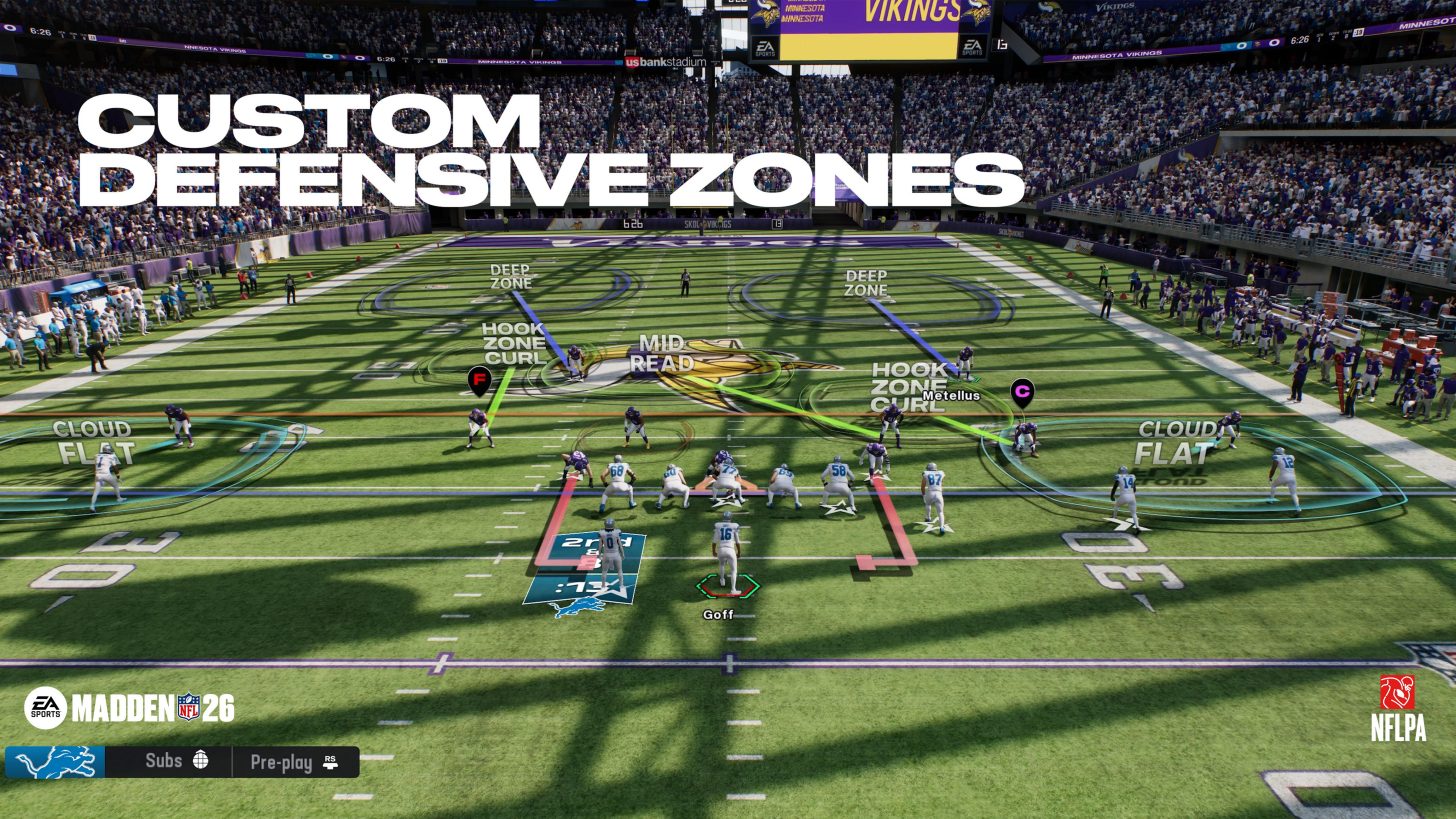
Madden NFL 23 Cloud Gaming Where To Play Madden Nfl 23 . Madden 26 Early Access Guide How To Play Madden 26 Early Madden 26 Early Access Guide How To Play Madden 26 Early . EA SPORTS Madden NFL 26 R Volutionner Le Jeu Ea News Madden 26 Qa Media 01